
Reviews & Tutorials
AI Video Tools Guide: Generation, Editing & Voiceovers
How to combine AI video generation, editing, subtitles, voiceovers, and templates for marketing and education workflows.
AI Video Tools Guide
A practical AI video workflow usually combines several tools instead of relying on a single platform.
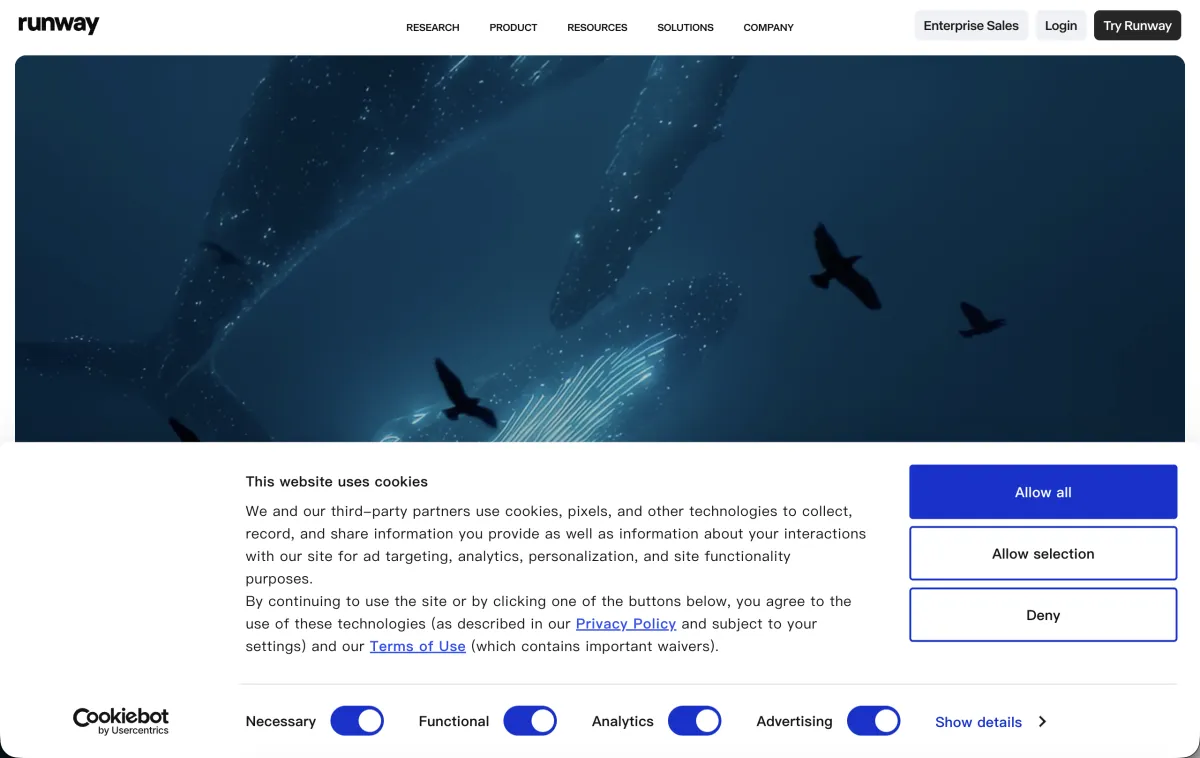 Screenshot of the Runway homepage, captured 2026-07-09.
Common combinations
- Creative short clips: Runway for generated shots, an editing tool for pacing and subtitles.
- Talking-head courses: a script from an AI assistant, then Descript or CapCut for editing and captions.
- Multilingual video: ElevenLabs for voiceover, plus a subtitle tool for localized versions.
- Product demos: a screen recorder, an AI summary, and auto-generated captions.
What to evaluate
- Is output quality consistent across runs?
- Is commercial use allowed?
- Can captions, voiceover, and visual edits happen in one workflow?
- Can the team reuse templates and brand assets?
Advice for small teams
Start with "script template + auto captions + a fixed cover template" instead of chasing a fully AI-generated video from day one. For most marketing teams, consistent output matters more than one impressive-looking clip.
The screenshot above is a real capture of the Runway homepage. These combinations are based on common project types — verify actual output quality and commercial terms on the official site when you test them.
If your project leans more toward images and design assets, see How to Choose AI Image Tools.
FAQ
Do I really need to combine multiple tools?
Usually, yes — generation, editing, and voice each have specialist tools, and expecting one platform to do it all end to end usually means compromising quality somewhere.
Does AI voiceover sound natural enough?
Mainstream tools handle standard pacing and common languages fairly naturally now, but technical terms, dialects, or strong emotional delivery still need a manual listen-through and adjustment.
Which part should a beginner learn first?
Start with captions and editing templates — they have the best effort-to-payoff ratio and are the easiest to turn into a repeatable workflow.