
Workflows
How to Secure AI Automation Workflows: Permissions, Approvals, and Rollbacks
The hard part of AI automation is not connecting steps. It is limiting what an agent can do, deciding when a human must approve an action, and recovering safely when something fails.
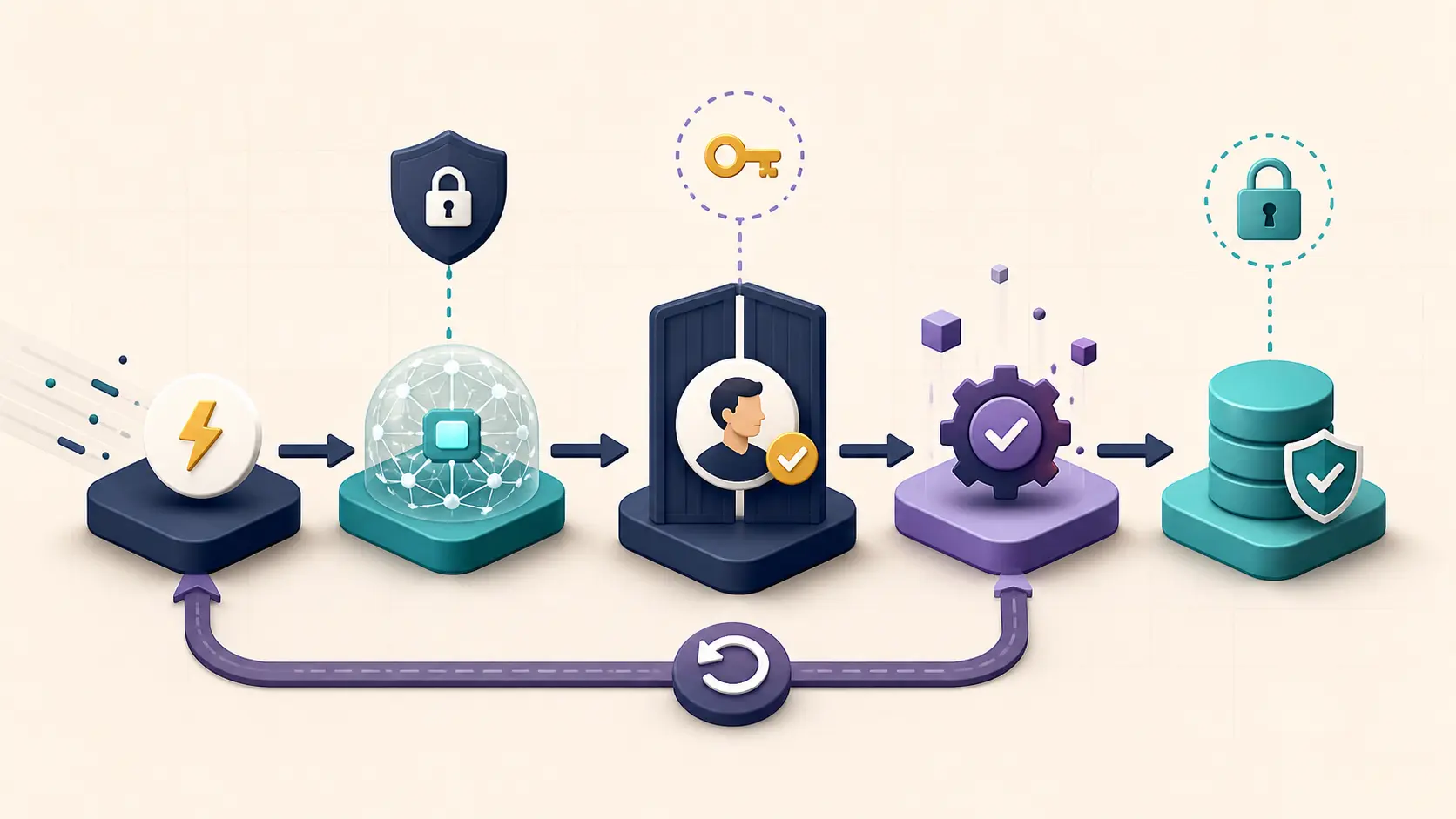
The part of an AI automation workflow that teams underestimate is not the number of integrations or the model response time. It is what happens when the workflow is wrong, incomplete, duplicated, or interrupted. An agent that can read documents, update records, send messages, or trigger payments needs clear permission boundaries, approval gates, and a recovery path.
This guide is for small teams using Zapier, Make, n8n, or custom agent workflows. It focuses on design principles rather than product-specific click paths.
1. Define the action boundary before building
List the actual action required at every step. ‘Can call an API’ is not a permission model. Separate actions into four levels:
- Read: search documents, order status, customer records, or inventory;
- Draft: prepare an email, update a review field, or create a task;
- Submit: send an external message, update a production record, or trigger another flow;
- Irreversible: refund, delete, publish, deploy, or change permissions.
Keep the first version in read and draft mode. Put submit actions behind an approval queue, and require human confirmation for irreversible actions. If a model makes a bad judgment, the error should not immediately spread to an external system.
2. Apply least privilege to connectors and fields
Least privilege must appear in the actual connector configuration:
| Object | Do not grant by default | Safer starting point |
|---|---|---|
| Drive | Read/write access to the whole team drive | Read-only access to a named folder |
| CRM | All records and fields | Named objects and approved fields |
| Tickets | Edit and close every ticket | Create drafts or add labels |
| Send as an employee | Create a draft for human review | |
| Repository | Write to main and deploy | Read-only or isolated branch |
Separate test and production environments. Use sample data in testing, dedicated service accounts in production, narrow credentials, and a way to revoke access without taking down unrelated systems.
3. Treat approval as a risk gate
Approval is most valuable in three places:
- Before data crosses an internal or customer boundary;
- Before the workflow creates an external consequence;
- Before it changes money, customer records, permissions, or production systems.
An approval request needs context: why the workflow ran, where the input came from, what the model recommends, what action will occur, which records are affected, the expected cost, and how to cancel. A button that only says ‘approve’ does not give the reviewer enough information to make a meaningful decision.
For high-risk actions, combine deterministic rules with human review. The model can interpret and organize information, but it should not be the only decision-maker for an irreversible outcome.
4. Make retries safe
A network timeout does not prove that an action failed. A naive retry can send duplicate emails, create duplicate tickets, or charge twice.
Give side-effecting actions an idempotency key or a business-level unique identifier, such as order ID plus action type plus workflow version. Check whether the action already succeeded before retrying, and store the external response after execution.
Classify errors as:
- Retryable: temporary network failures, rate limits, or short outages;
- Human-review: missing fields, permission failures, or business-rule conflicts;
- Non-retryable: duplicate submissions, inconsistent data, suspected privilege escalation, or security alerts.
A single ‘retry three times’ rule is not a recovery strategy.
5. Design rollback before the incident
Not every action can be rolled back. A sent email cannot be unsent, deleted external data may not be recoverable, and a third-party API may not offer an inverse operation. Classify actions as:
- Reversible: a compensating inverse action can restore the state;
- Compensatable: the original action cannot be undone, but a correction can be applied;
- Irrecoverable: stop downstream work, notify an owner, and preserve evidence.
For example, a customer label may be corrected, while a wrong notification may require stopping follow-up messages and sending a human explanation. Record the trigger, owner, available data, and maximum response time for each recovery plan.
6. Add observability without keeping everything forever
At minimum, log the trigger time, input source, knowledge or tools used, output summary, approver, actual action, external response, retry count, and final state. Logs are not a reason to keep sensitive content indefinitely; define masking, retention, and access rules alongside the log design.
Useful launch metrics include:
- unauthorized actions that bypassed approval;
- duplicate side effects after a failure;
- human handoff rate and handling time;
- the share of failures that recovered automatically;
- cost per successfully completed workflow.
7. Roll out in four stages
A safer rollout looks like this:
- Observe: read data and produce recommendations without writing to business systems;
- Draft: prepare emails, tickets, or updates for human submission;
- Constrained execution: allow only low-risk actions on an explicit allowlist;
- Expand: add channels and actions only after logs, approvals, and recovery plans work.
Expand one permission surface at a time and keep the old workflow as a comparison. When something changes, this makes it easier to identify whether the cause was data, model behavior, connector behavior, or permission scope.
FAQ
Does every AI workflow need human approval?
No. Read-only queries, internal drafts, and low-risk labels can be automated. External communication, customer data, money, permissions, and production changes need at least deterministic gates and often human approval.
How many times should a failed workflow retry?
There is no universal number. First classify the error and make sure the action is idempotent or deduplicated. Non-retryable errors should enter a human queue rather than repeatedly hitting the same endpoint.
Is rollback the same as backup?
No. A backup keeps a copy of data; rollback restores a system or business state to an acceptable condition. Some external actions cannot be undone, so the recovery plan must use compensation and human communication.
Conclusion
Secure AI automation is not about giving an agent more access. It is about making the boundary clear enough that the agent can do useful work, while approvals, idempotency, logs, and recovery paths contain mistakes. Start with read and draft modes, then expand action permissions only after the controls have been tested.