
Productivity
Notion AI
An AI assistant inside Notion for summaries, knowledge-base Q&A, and team documentation workflows.
Visit ↗
https://www.notion.com/product/ai
Notion AI
An AI assistant inside Notion for summaries, knowledge-base Q&A, and team documentation workflows.
Best for
- knowledge-base Q&A
- document summaries
- team documentation
- project notes
What to evaluate
- Whether it reliably solves one clear job instead of only showing novel features.
- Whether the learning curve fits the target user and team workflow.
- Whether pricing, usage limits, seats, cancellation rules, and data permissions are clear.
- Whether it can connect with the existing content, marketing, sales, or operations stack.
Strengths
- Useful as a focused capability inside a broader SaaS or AI tool stack.
- Official documentation, tutorials, and community materials are usually easy to verify.
- It can later be compared with close alternatives in a buying guide or VS article.
Watch-outs
- Pricing, plans, usage limits, and feature availability can change quickly. Always verify details on the official website before purchase.
- For customer data, copyrighted material, or commercial output, review compliance and usage terms carefully.
- Recommendations above are based on publicly available information and do not imply an official partnership with the vendor; any affiliate links on this page are clearly marked with a disclosure at point of use.
Comparison tip
When evaluating Notion AI, test it with the same real task against two or three alternatives. Compare output quality, completion time, control, collaboration features, and total cost.
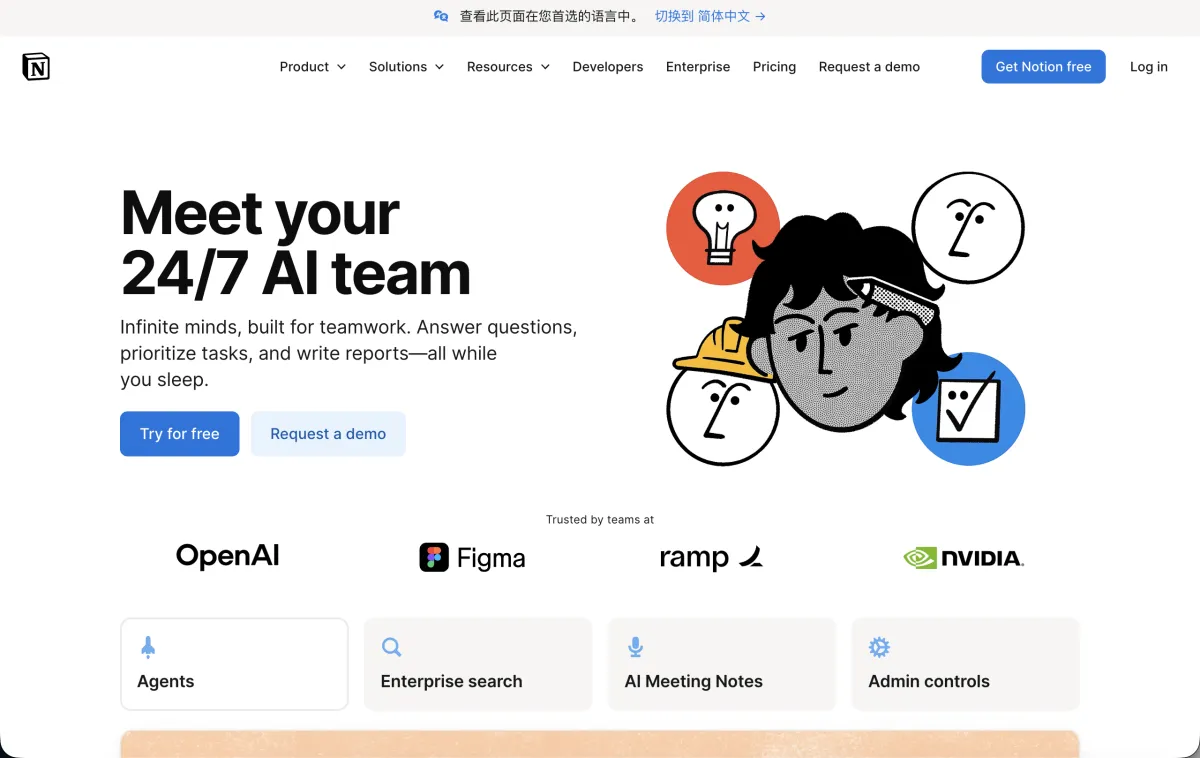 Screenshot of the official homepage at notion.com, captured 2026-07-09. Actual site content and UI may have changed since.